


Have you ever tried to watch a video online only to be stopped by the frustrating message, “This content is not available in your region”? Or perhaps you have noticed that after searching for flight prices, the costs mysteriously rise the next time you check the same route. These digital roadblocks occur because websites can see exactly who you are and where you are connecting from. This visibility creates an invisible barrier between you and the open internet, limiting what you can see and do based on your physical location. Choose the best proxies for scraping.
Every time you go online, your device broadcasts a unique set of numbers known as an IP address. Think of this strictly as your digital home address. Just as a return address on an envelope tells the post office where a letter originated, your IP address tells every website you visit exactly where to send information back to you. While this system is necessary for the internet to function, industry experts note that it also acts as a continuous tracker, leaving a clear footprint of your activity and identity on every server you access.
To regain control over this digital trail, many internet users employ a “middleman” known as a proxy. Imagine you want to send a package to a recipient but do not want them to know your real home address. You would send the package to a trusted third party first, who then relabels it with their own business address before delivering it to the final destination. A proxy server performs this exact function for your web traffic. It intercepts your request, masks your personal IP address, and forwards the data to the website, effectively hiding your identity behind a protective shield.
Not all digital middlemen are created equal, however. While some proxies mimic residential connections, a proxy data center utilizes powerful servers housed in massive commercial facilities. These are not standard home computers; they are infrastructure built specifically for high-volume traffic and raw speed. By routing your connection through these robust hubs, a data center proxy provides a layer of anonymous web browsing security that operates much faster than typical consumer connections. This distinction is vital because it transforms a simple privacy tool into a high-performance engine for accessing the web.
Leveraging this technology allows users to bypass geographic restrictions and browse with enhanced privacy without sacrificing performance. The primary advantage here is speed; because these proxies rely on commercial-grade bandwidth rather than slower home internet connections, they act like an express lane on a congested highway. Utilizing this “commercial train” instead of a “personal car” is the first step toward a more open and efficient internet experience.
Transforming Your Web Experience: Why the ‘Express Lane’ of Servers Beats Standard Connections
Have you ever noticed your home internet slowing down when everyone in the neighborhood starts streaming movies at the same time? That congestion happens because residential connections share a limited pipeline, much like a side street that gets jammed during rush hour. In contrast, data centers are built specifically to handle massive amounts of traffic without breaking a sweat. This reliability relies on server-based infrastructure—essentially warehouses filled with powerful computers connected directly to the internet’s main arteries. Unlike your home router, which is designed for light daily use, these facilities are engineered for raw industrial performance and stability.
Think of the difference in terms of plumbing capacity. Your home Wi-Fi is like a standard garden hose; it works perfectly fine for watering plants, but it cannot fill a swimming pool instantly. A data center connection, however, is more like a fire hose. Because these facilities act as centralized digital hubs, they manage bulk ip allocation from server providers efficiently. This means a single provider can generate thousands of digital identities (IP addresses) that all benefit from the same industrial-grade bandwidth, rather than relying on a scattered network of slower, individualized home connections.
The actual difference in throughput—how much data can move at once—is staggering when you look at the numbers. When you compare a standard residential setup to a professional data center proxy, the performance gap becomes clear in three key areas:
- Connection Speed: While average home internet speeds hover between 100–300 Mbps, data centers frequently utilize 1 Gbps to 10 Gbps ports, allowing data to flow up to 100 times faster.
- Stability: Residential connections often fluctuate or drop during storms or peak hours, whereas data centers offer 99.99% uptime guarantees backed by redundant power sources.
- Latency: Data centers reduce the delay in data transfer (ping) to mere milliseconds, ensuring that web requests are processed almost instantly.
For businesses or individuals needing to gather public information quickly, this speed is not just a luxury; it is a necessity. If you are trying to compare thousands of flight prices or product listings across different websites, a slow connection turns a five-minute task into an hour-long ordeal. This is where high-speed bulk web scraping comes into play, allowing automated tools to collect public data rapidly without lagging or crashing. With this immense power available “under the hood,” you can utilize this technology to virtually travel anywhere.
How to Access Global Markets Without Leaving Your Desk
Geo-blocking is a common annoyance where websites restrict access based on where your computer appears to be located. Users often encounter a frustrating “content not available in your region” message or discover that companies display different prices for flights, hotels, or software depending on whether the browsing originates from New York, London, or Mumbai. These digital borders turn the internet from a global open market into a series of fragmented, local experiences where you might be paying more simply because of your zip code.
Data center proxies serve as the key to unlocking these digital gates. Because these proxies are housed in server facilities located in countries all over the world, they allow you to route your internet connection through a specific geographic point on command. When you choose to route your traffic through a proxy server in Paris, the website you are visiting sees a French IP address and automatically serves you the content and pricing intended for a local resident. This capability is the primary method for bypassing geo-restrictions for market research, giving you an unfiltered view of global markets without buying a plane ticket.
Retailers and competitors frequently utilize dynamic pricing strategies that react to local demand, often hiding the best deals from international visitors. By adopting a local digital identity, you gain the ability to verify localized content and expose these price discrepancies instantly. Whether you are a business trying to monitor a competitor’s strategy in Asia or a consumer looking for the fair market rate on a vacation rental, seeing the web through the lens of a local proxy ensures you are making decisions based on accurate, transparent data rather than targeted manipulation.
Beyond the financial and research benefits, this approach provides a robust layer of anonymous web browsing security. By masking your home’s real IP address behind a commercial server, you prevent websites and trackers from building a profile of your personal browsing habits or pinpointing your physical location. However, using a single proxy address for too many requests can eventually look suspicious to sophisticated websites, causing them to recognize and block that specific “mask.” Avoiding detection requires constantly switching your digital appearance.
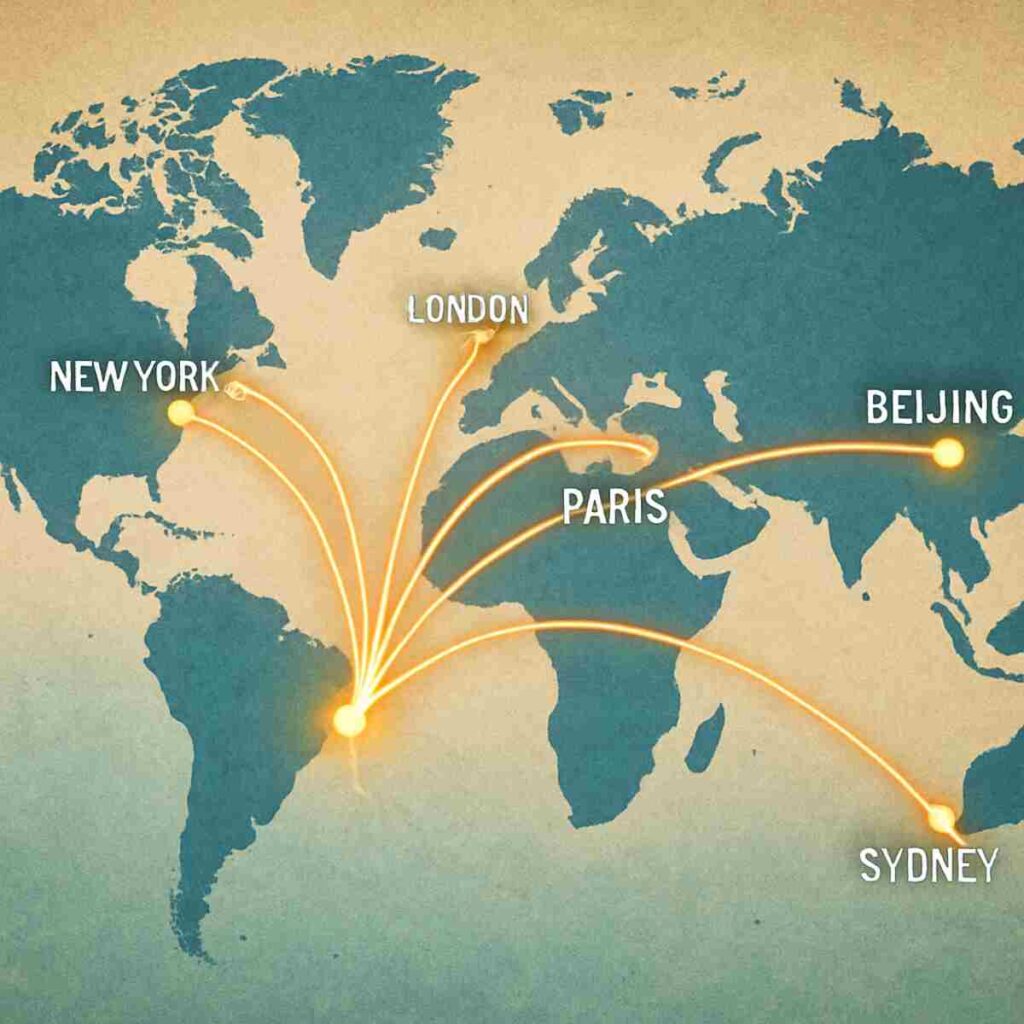
The Moving Target Strategy: Preventing Blocks with Rotating IP Management
Imagine walking into a local store and asking the clerk to check the price of every single item on the shelf, one by one. Even if you were polite, store security would eventually ask you to leave because your behavior is suspicious and disruptive. Websites operate with similar security logic. If you make too many requests from the same digital location—even if you are using a proxy—modern anti-scraping detection mechanisms will flag your activity as “bot-like.” These systems are designed to spot behavior that looks faster or more repetitive than a human could naturally manage.
To bypass this scrutiny, you need to change your digital appearance constantly. This technique is called rotating IP address management. Instead of using one “mask” (a single proxy IP) for every request, the system automatically switches to a new one for each action you take. Going back to our store analogy, it is like sending a different person in to check the price of just one item each. The clerk never recognizes a pattern because every request appears to come from a fresh, unrelated face. By accessing a dynamic pool of addresses rather than relying on a single static IP, you effectively blend in with the crowd of regular internet traffic.
Reliance on a single static IP is risky because once that specific address gets blocked, your access is completely cut off until you manually find a replacement. Rotating proxies handle this “refresh” process in the background, offering a significant advantage in reliability. When you load a webpage, the proxy provider assigns you an IP; when you click to the next page, it instantly assigns a different one. This ensures that no single digital identity accumulates enough history to trigger a ban, allowing you to gather data or browse without interruption.
Learning how to prevent IP blocking requires more than just having the right tools; you also need to configure them to mimic human behavior. Follow this checklist to keep your automated activity under the radar:
- Set Realistic Delays: Don’t make 100 requests in a second; add random pauses between actions to mimic human reading speed.
- Define Rotation Frequency: Configure your tool to switch IPs after every request (sticky sessions) or every few minutes, depending on the task.
- Verify Your Pool Size: Ensure your provider has enough unique IPs available so you aren’t recycling the same ones too quickly.
- Rotate User Agents: Change the “browser signature” (pretending to switch from Chrome to Safari) along with the IP address for a complete disguise.
Even the best rotation strategy can fail if the specific method your proxy uses to transfer data doesn’t match the website’s requirements. Different online tasks require different communication rules to ensure the data arrives intact and secure. To ensure your connection is not just hidden but also functionally compatible with complex web applications, it is essential to explore the specific dialects of the internet: SOCKS5 and HTTP.
Choosing the Right Language: When to Use SOCKS5 vs HTTP Protocols
Consider the difference between hiring a translator who only speaks English versus hiring a courier who delivers a sealed briefcase without asking what is inside. This distinction mirrors the fundamental difference between HTTP and SOCKS5 proxies. While your IP rotation strategy hides who you are, the protocol determines how your data is handled during the journey. Most standard web browsing relies on HTTP, which is designed specifically to interpret and organize text and images found on websites, making it the default choice for simple navigation tasks.
HTTP proxies function like intelligent assistants that understand the context of the content they are carrying. Because they are designed specifically for the web, they can interpret the data request before it reaches the target server, allowing them to optimize headers or filter out specific content types. This ability makes them highly efficient for standard browsing or basic data gathering where the structure of the webpage matters. However, this specialization becomes a limitation if you need to transfer data that doesn’t fit the strict format of a standard webpage, such as live video feeds or specialized software connections.
For tasks requiring versatile performance beyond simple web pages, a SOCKS5 protocol implementation acts as a universal adapter. Unlike its HTTP counterpart, a SOCKS5 proxy does not attempt to read or interpret the traffic; it simply establishes a secure tunnel and moves the data from point A to point B regardless of the format. This makes it the superior choice for high-traffic activities like streaming, gaming, or using applications that operate outside of a web browser. It offers a lower-level connection that can handle complex traffic types with less interference, ensuring a faster and more stable link for heavy-duty workloads.
Selecting the correct protocol ultimately depends on whether you need a specialized interpreter or a heavy-duty transport system. If your goal is simply to extract pricing text from a retail site, a standard HTTP proxy for scraping will likely suffice, but if you are running complex software that requires a direct, uninterpreted connection, SOCKS5 is necessary to prevent communication errors. Understanding this technical nuance is critical before you invest time in automated web crawler configuration, as picking the wrong protocol can break your data pipeline before it even begins. Once you have matched the right language to your task, the next challenge is scaling operations massively.
Scaling Your Growth: Automated Web Crawler Configuration for Large Projects
Transitioning from handling a few individual requests to gathering data from thousands of pages requires a shift in infrastructure. Attempting to water a massive farm field with a single garden hose is inefficient; eventually, the distance becomes too great, the pressure drops, and the job becomes impossible to finish in a day. To cover that much ground efficiently, you need an automated irrigation system that manages multiple streams of water simultaneously. In the world of data, this is where automated web crawler configuration comes into play, transforming a manual task into a synchronized, large-scale operation.
Modern scraping tools achieve this volume by using “threads,” which are essentially separate digital workers operating at the same time. Think of a grocery store with ten checkout lanes open instead of just one; ten customers can pay and leave simultaneously, clearing the store ten times faster. When you configure your crawler to use multiple threads, you are establishing concurrent connections. This allows your software to visit Product A, Product B, and Product C all at the exact same moment, drastically reducing the time it takes to complete a project.
Speed is powerful, but applying too much pressure without regulation can backfire. If every shopper rushed the checkout lanes at the same second, the store would become chaotic and unable to function. Similarly, websites have physical limits on how much traffic they can handle. If your crawler opens too many connections at once, the target website might perceive the traffic as a cyber-attack and block you entirely to protect itself. Setting strict concurrent connection limits is essential to ensure you gather data quickly without overwhelming the server hosting the information.
Maintaining this balance between speed and stealth requires adhering to a specific set of rules commonly known as scraping etiquette. Implementing best practices for large scale scraping ensures your project remains sustainable and undetected over the long term:
- Respect Robots.txt: Always check this file on a website first; it acts as the “House Rules” list, telling you which areas the owner allows bots to access.
- Implement Random Delays: Program a variable pause (e.g., 2 to 5 seconds) between requests to mimic the natural, inconsistent speed of a human browsing the web.
- User-Agent Rotation: Switch the “browser signature” your bot presents so it looks like traffic is coming from different devices (e.g., a smartphone, a laptop, or a tablet) rather than a single script.
- Error Handling: Configure your bot to stop and wait if it encounters a “403 Forbidden” error, rather than retrying immediately, which raises red flags.
Once you have calibrated your crawler to run smoothly with multiple threads and respectful limits, your primary bottleneck shifts from software configuration to resource cost. Running thousands of concurrent connections requires a robust infrastructure that won’t drain your budget.
Why Data Center Proxies Are Your Most Cost-Effective Scaling Tool
Moving a thousand commuters across a bustling city during rush hour presents a logistical challenge. You could hire a thousand individual taxi cabs, which offers a personalized ride but costs a fortune. Alternatively, you could use a high-speed subway system designed to move massive numbers of people efficiently and affordably. In the digital world, Data Center proxies are that subway system. Unlike residential proxies, which are tied to home internet connections and real physical devices, data center proxies are hosted on powerful commercial servers. They are built specifically for speed and volume, allowing you to route traffic through high-bandwidth hubs rather than relying on the slower, variable connections of domestic Wi-Fi networks.
![A split-screen illustration showing a traffic jam of individual cars labeled ‘Residential IPs’ on the left, contrasted with a sleek, futuristic high-speed train labeled ‘Data Center IPs’ on the right, symbolizing the difference in efficiency and shared infrastructure.]
This structural difference creates a massive price advantage for projects operating on a strict budget. When comparing residential vs cloud hosting IPs, the cost disparity comes down to scarcity and maintenance. Residential IPs are expensive because they require leasing access from actual homeowners and Internet Service Providers. In contrast, cloud hosting providers can generate thousands of IPs virtually within a server farm, driving the cost per unit down significantly. For tasks that require raw horsepower—like market research or verifying ads—but do not need the specific camouflage of a suburban home address, these server-based IPs offer the highest return on investment.
Choosing the right cost structure also depends on how much exclusivity you require within that server environment. When evaluating shared versus dedicated proxy pools, you are essentially deciding between a public bus ticket and a private rental car. Shared pools split the cost among multiple users, making them incredibly cheap, but you share the bandwidth and potential reputation risks with strangers. If your project demands guaranteed performance and a spotless history, investing in private server ip addresses ensures you are the sole user of that digital identity, protecting you from being blocked due to someone else’s bad behavior.
Ultimately, data center proxies remain the industry standard for high-volume tasks where speed and budget are the top priorities. They allow you to scale your operations massively without scaling your costs at the same rate, providing the infrastructure needed to gather data efficiently. With the hardware options understood, the final piece of the puzzle is strictly procedural: deploying these tools safely.
Securing Your Strategy: A Step-by-Step Action Plan for Proxy Implementation
You’ve moved from viewing the internet through a single, static window to possessing a master key for global access. Understanding the mechanics of a data center proxy means you no longer have to accept “content unavailable in your region” or slow connection speeds as a final answer. You now recognize that speed and anonymity aren’t reserved for tech experts; they are accessible tools that put you back in control of your digital footprint.
The real power here isn’t just about hiding your identity; it’s about efficiency. By leveraging the infrastructure of a proxy data center, you gain the ability to browse, research, and stream at the speed of commercial servers. Whether you are a business looking to gather competitive intelligence or an individual protecting your privacy, the shift from a standard home connection to a data center solution offers a clear advantage in performance and reliability.
However, having the knowledge is only half the battle; choosing the right tool is the other. The market is flooded with options, and not all “high-speed” promises hold up under pressure. Be wary of providers offering “free” proxy lists, as these often compromise your security or sell your data. Instead, focus on reputable services that prioritize transparency and offer dedicated support.
Use this 5-point checklist to select a provider and start your journey safely:
- Define Your Purpose: Clearly identify if you need raw speed for streaming or multiple identities for market comparisons.
- Verify Location Coverage: Ensure the provider maintains servers in the specific countries or cities you need to access.
- Test for Speed: Look for low latency metrics or request a trial to ensure the connection doesn’t lag during use.
- Check Support Quality: Confirm they offer responsive human support to help you configure your browser or software.
- Start with a Small Plan: Begin with the minimum package to test the waters and learn how to prevent IP blocking without overcommitting financially.
The digital landscape is constantly building new walls, but you are now equipped to navigate around them. By integrating these high-speed intermediaries into your daily browsing or business workflows, you turn the internet back into the open, borderless resource it was meant to be. The express lane is open—it is time for you to merge onto it.
